

Rebuilt for Today
A mobile app reimagined with deeper engagement, smarter features, and one seamless experience that keeps your whole community connected on the go.
Book a DemoShow Your Colors
Fully branded with your school’s logo and colors
front and center.


Everything Your users
Need in One Place

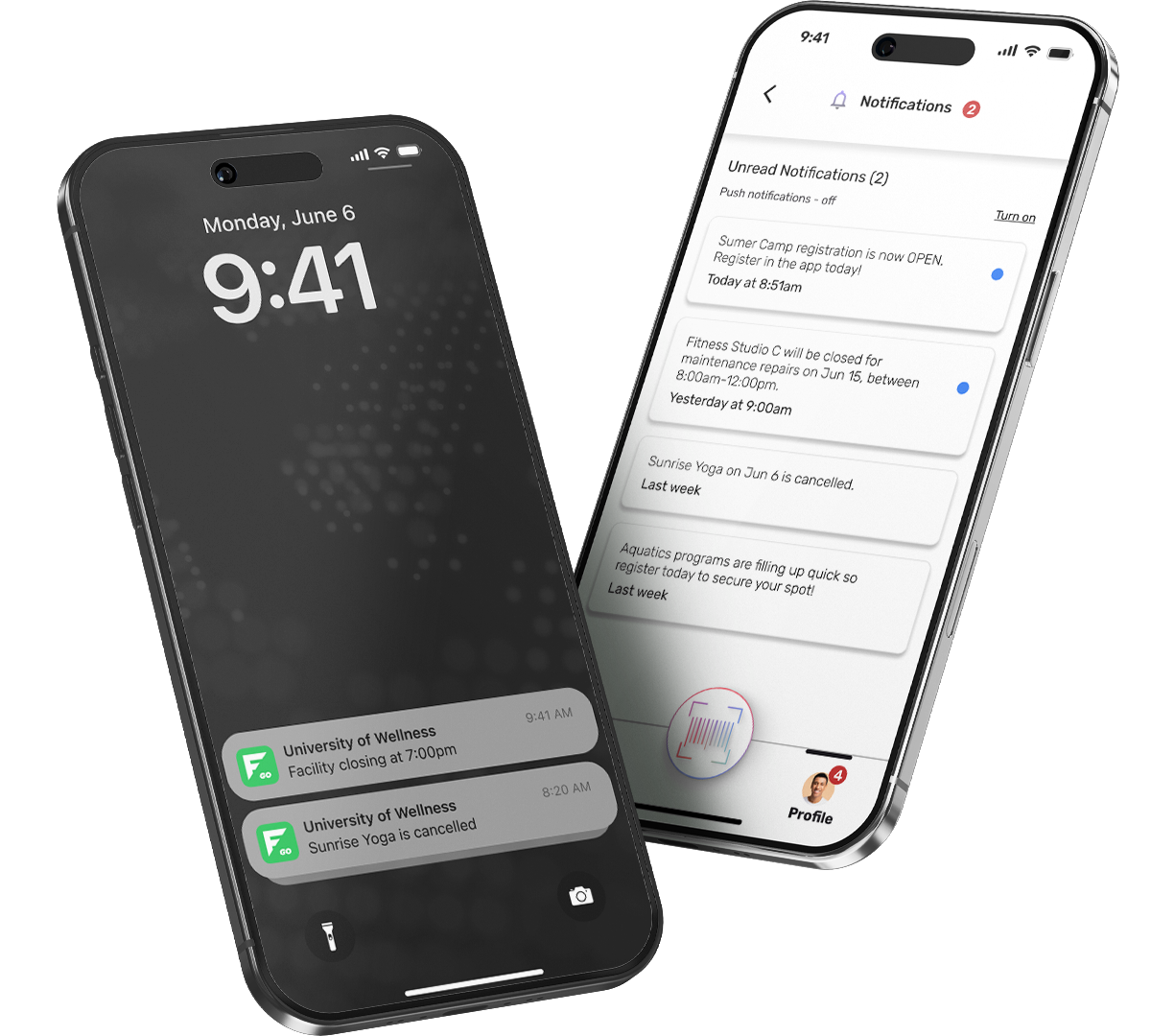
Push Notifications

Program Registration

In-App Payments

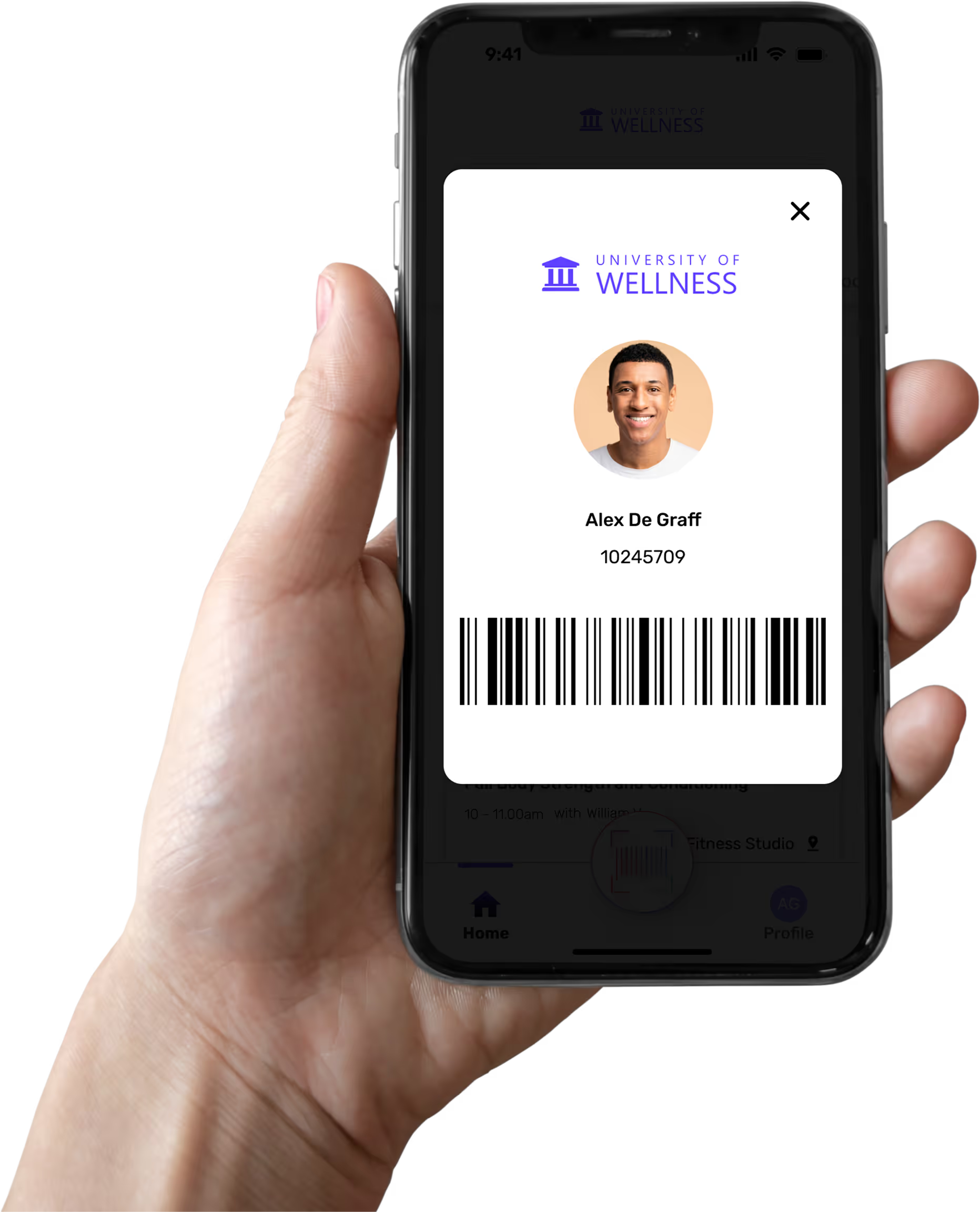
Digital ID

Waivers

Quicklinks
Be in the Loop
The power of information, delivered directly into the hands of your community. Everything they need to know, instantly.
FusionGO, Reimagined
“When we looked at our legacy version of FusionGO, we saw an opportunity to do something better. Instead of layering improvements onto an aging foundation, we chose to start fresh. This new product was built from the ground up to be more intuitive, more connected to the rest of our platform, and ultimately easier for our customers to use every day.”

Frequently Asked
Where can I display my ad banners?

Ad banners can now be managed through Quicklinks. Simply upload an image and add a URL to direct users to more information.
Will we have our own dedicated app?
FusionGO is a multi-tenant application, meaning there is a single app in the Apple App Store and Google Play Store. However, once your members log in, they will see an experience tailored specifically to your organization, including your logo, colors, and your Fusion data. It looks and feels like your app, without the overhead of managing a standalone one.
How do I get started with the app?
Your implementation will be kicked off by our project management team. When we're ready to begin, a project manager will reach out via our ticketing system. You'll need a rec admin (to oversee app management) and an IT contact to assist with SSO configuration. Once SSO is set up, your team can access the CMS, download the app, and prepare for launch.
How long does it take to launch the app?
Implementation timelines will vary, but the process begins once your project manager initiates contact through our ticketing system. The primary dependency is SSO configuration; once that's complete, you can begin configuring the CMS and preparing for your member-facing launch.
How do our community members access the app?
Members can download FusionGO from the Apple App Store or Google Play Store (search "FusionGO"). No new account is required. Members log in using their existing campus credentials, either via Single Sign-On (SSO) or a local/community login credential.
Can a new user create their own account?
No. At the moment, FusionGO does not have a self-serve sign-up option. Local and community accounts are created by your rec admin through Fusion or by users on the Member Portal. Self-serve account creation native in the FusionGO app is on our roadmap for Q3/Q4 this year, if not sooner.
Do we need to reach out to support to make changes?
No. The CMS is designed for self-serve management. Admins can update their logo, colors, quicklinks, notifications, refund policy, and home screen tile visibility directly through the CMS without needing to contact support. Any data already configured in Fusion syncs automatically, so no manual updates are needed there either.
What is changing with the current FusionGO app?
The reimagined FusionGO delivers a significantly improved experience for both admins and members. Key improvements include automatic data sync between Fusion and the app, meaning schedules, programs, and facility information are always up to date without any manual effort from your team. Admins also have more direct control through the CMS, allowing you to update branding, push notifications, manage quicklinks, and configure settings without needing to wait on our team to make changes and push updates to the app stores.
FusionGO is also a multi-tenant application, meaning there is a single app in the App Store and Google Play. However, once your members log in, they will see an experience tailored specifically to your organization, including your logo, colors, and your Fusion data. It looks and feels like your app, without the overhead of managing a standalone one.


